If you have arrived at this article you are likely not receiving an email from a particular address or domain.
This can be due to the sending party being on a blacklist which we subscribe to.
Within DirectAdmin control panel you can add a whitelist entry by:
- Logging into DirectAdmin
- Finding the Spamassasin Setup tile in the Email Manager section

- Once opened for your domain you'll find the Whitelist near the bottom of the page.
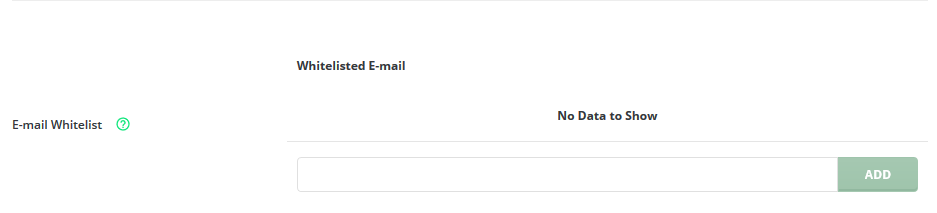
- Say you want to Whitelist Netflix emails "info@mailer.netflix.com" to ensure they always come through :)
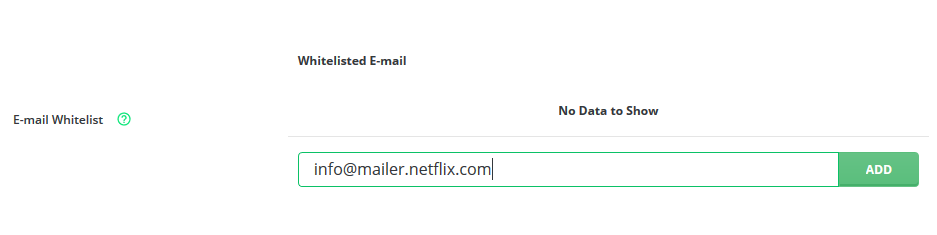
You might populate the whitelist by entering info@mailer.netflix.com into the address box like example below. And Click Add
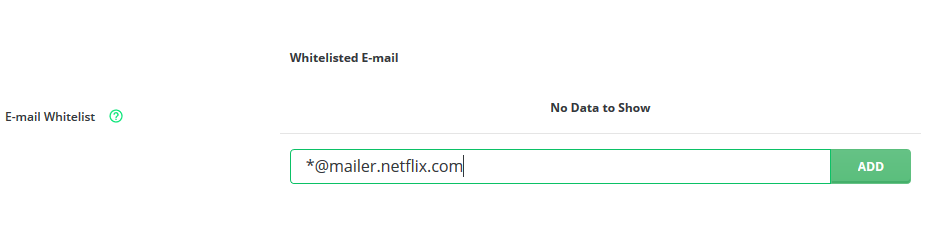
- Want to allow email for an entire domain? No Problem you can populate the box like and click Add.
This will allow any address @mailer.netflix.com to bypass filtering.
e.g info@mailer.netflix.com and someotheraddress@mailer.netflix.com
- Finished adding entries click on save.
Tags: Email, Security, Spam
